
Master Enscape for Real-Time Rendering & VR
Elevate your architectural visualization with Enscape, the real-time rendering and virtual reality plugin that works right inside Revit, SketchUp, Rhino and ArchiCAD. Learn to create immersive, interactive presentations clients can walk through, with classroom training in Kochi, Thrissur, Irinjalakuda, Attingal (Trivandrum) and Palakkad, plus online and hybrid batches across Kerala.
4.7/5
18,451+ Reviews
VR
Walkthroughs in One Click
3
Study Modes

Classroom | Online | Hybrid
Learn real-time rendering, materials, lighting, landscaping, animation and VR in Enscape from industry-experienced faculty, with CTDS & Core certifications.


Study ModeClassroom, Online, Hybrid
CertificationCTDS & Core
LevelBeginner to Advanced
Works WithRevit, SketchUp, Rhino, ArchiCAD
CareersPlacement Assistance
Learn Enscape: Elevate Your Architectural Visualization
Enscape integrates smoothly with leading design platforms like Revit, SketchUp, Rhino and ArchiCAD. It gives architects, designers and visual artists the tools to create immersive, interactive experiences, so clients and stakeholders can explore and interact with a design in real time. Our in-depth course gives you the know-how to make the most of Enscape and produce visualizations that bring your designs to life.
What You Will Learn
A complete real-time visualization workflow, from your design model to a client-ready VR presentation.
- Real-Time Rendering Inside Your Design Software
- Lighting, Materials, Landscaping & Animation
- Photorealistic Stills, Panoramas & Videos
- Immersive Virtual Reality Experiences
Who Should Join?
Anyone who wants clients to step inside a design.
- Civil Engineering & Architecture Students
- Architects & Interior Designers
- Revit, SketchUp & Rhino Users
- Aspiring 3D Visualizers
Design and Render Together
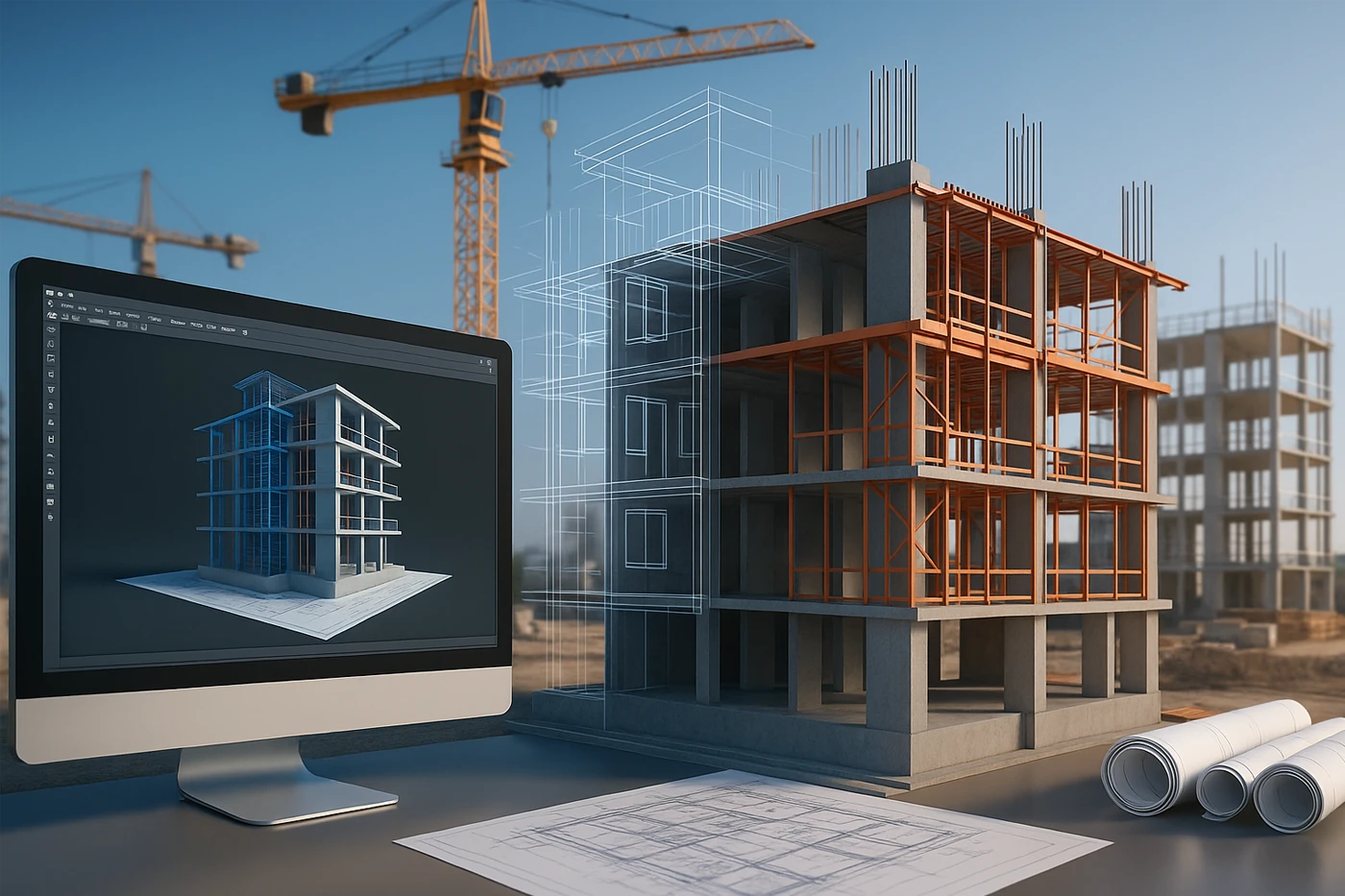
Enscape renders live as you model, so every wall, material or light you change in Revit or SketchUp appears instantly in a lifelike view, with no exporting.
Hands-On Projects & Expert Faculty
Learn Enscape's user-friendly interface under the guidance of experienced instructors and apply every feature to real building, interior and landscape projects. From lighting and materials to landscaping and animation, you fine-tune every part of your visualization for realism and impact, and finish with a portfolio of renders, videos and VR scenes.
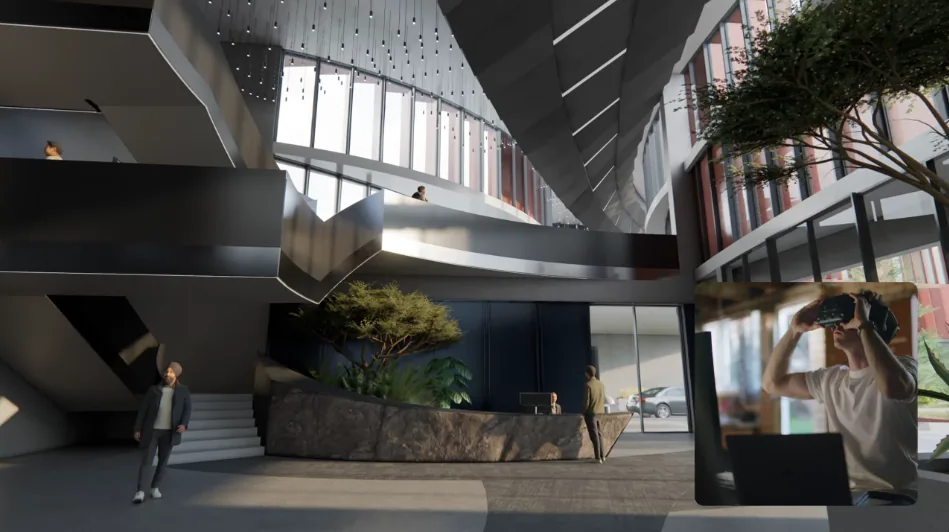
Where Enscape Is Used
Real-time rendering and VR skills that help win projects across architecture, interiors and real estate.
Architectural Design
Homes, villas & commercial buildings
Interior Visualization
Lobbies, offices, kitchens & living rooms
Design Reviews
Live decisions with clients & teams
Landscape & Site
Gardens, courtyards & site context
Real Estate Marketing
Brochure renders & virtual tours
VR Presentations
Walk clients through unbuilt spaces
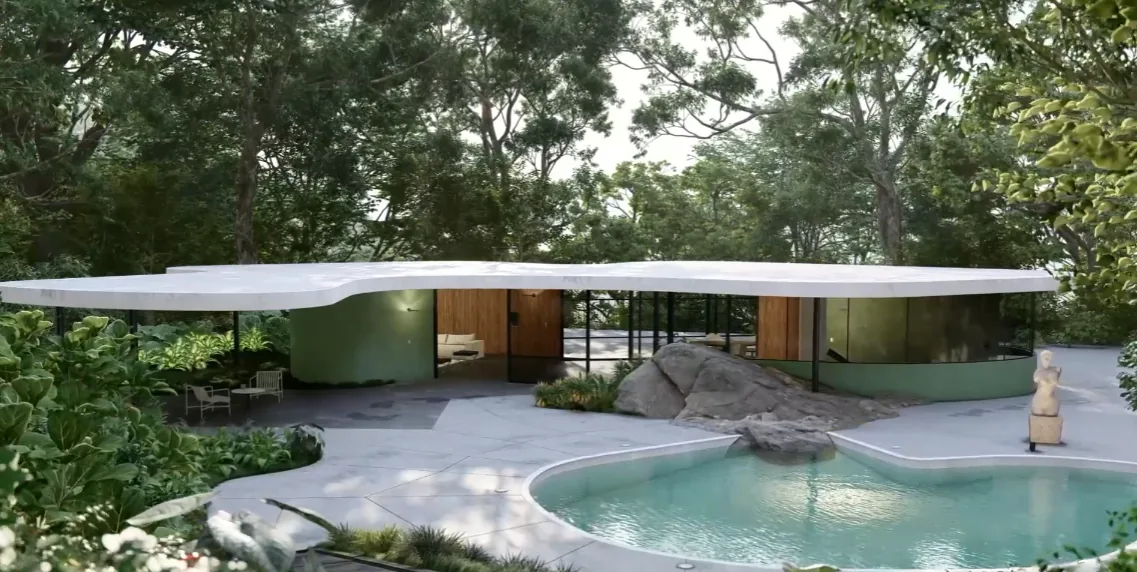
From Design Model to Immersive Experience
The kind of interior, exterior and VR presentation work you will produce in the course.

Your Learning Path
A step-by-step journey from your first live render to a job-ready visualization portfolio.
Learn
Expert-led demos of each Enscape feature
Practise
Hands-on scene work in every class
Visualize
Renders, videos, panoramas & VR
Certify
CTDS & Core certificates on completion
Get Placed
Portfolio review & placement assistance
Why Learn Enscape at CORE?
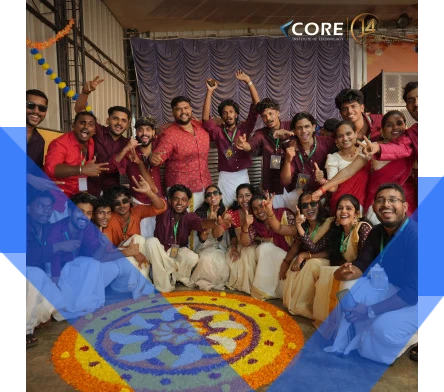
For 14 years, CORE Institute of Technology has trained engineers, architects and designers across Kerala in industry-standard CAD, BIM, 3D design and visualization software.
- Authorised Training CentreProfessional design software training with CTDS and Core certifications and a certificate of completion.
- Experienced InstructorsFaculty who guide you through Enscape's interface and settings and give practical feedback on your own scenes.
- Hands-On, Project-BasedEvery module ends in a render, video or VR scene you can show employers and clients.
- Award-Winning InstituteRecipient of the CTDS Excellence Award 2023–2024.
- Centres Across KeralaKochi, Thrissur, Irinjalakuda, Attingal and Palakkad, plus online and hybrid batches.


Master Core Enscape Tools
Gain practical command of the Enscape features visualizers use every day.
Live Link
Revit, SketchUp, Rhino & ArchiCAD
Material Editor
Glass, stone, wood, water & custom
Asset Library
People, plants, vehicles & furniture
Lighting
Sun, artificial & emissive lights
Atmosphere & Visual Settings
Sky, fog, exposure & styles
Video Editor
Keyframes & camera paths
360° Panoramas
Web & mobile virtual tours
VR & Standalone Files
Headset walkthroughs & .exe sharing
Comprehensive Enscape Syllabus
Structured modules that take you from Enscape's interface to photorealistic renders, video walkthroughs and VR presentations of buildings, interiors and landscapes.
01. Introduction to Enscape
- Real-Time Rendering & Enscape Applications
- Installing the Plugin & Hardware Settings
- Enscape Window, Toolbar & Interface
- Navigation, Walk & Fly Modes
02. Live Link & Scene Setup
- Preparing Models in Revit & SketchUp
- Live Updates While Modelling
- Views, Cameras & Saved Positions
- Section Views & Project Settings
03. Materials & Textures
- Enscape Material Editor
- Glass, Metal, Water & Stone
- Bump, Reflection & Transparency Maps
- Grass, Carpet & Emissive Materials
04. Lighting, Sky & Atmosphere
- Sun Position, Shadows & Time of Day
- Artificial, Spot & Line Lights
- Sky, Clouds, Fog & Exposure
- Night Scenes & Visual Presets
05. Assets, Landscaping & Site Context
- Enscape Asset Library
- People, Vehicles & Furniture
- Trees, Plants & Landscaping
- Site Context & Surroundings
06. Renders, Video, Panoramas & VR
- Still Renders & Batch Rendering
- Video Editor, Keyframes & Walkthroughs
- 360° Panoramas & Standalone Executables
- Virtual Reality, Final Project & Portfolio Review
Build a Career With Visualization Skills
Architects, interior firms, builders and real estate developers need people who can show a design before it is built. Gain the expertise to create stunning visualizations, impress clients with immersive VR experiences and lift your design presentations, with a competitive edge for roles in Kerala, across India and in the Gulf.
Top Career Opportunities
- 3D Visualizer
- Rendering Artist
- Architectural Visualizer
- Interior 3D Designer
- VR Presentation Designer
- BIM Visualization Specialist
- Walkthrough Animator
Enroll Now
Secure your seat in the next Enscape batch.
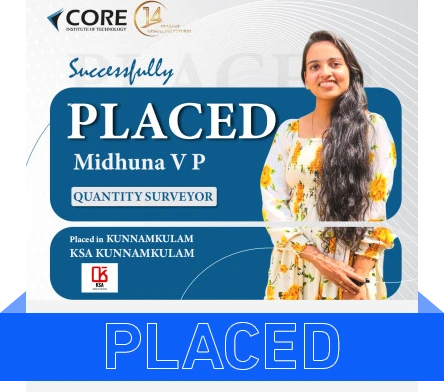
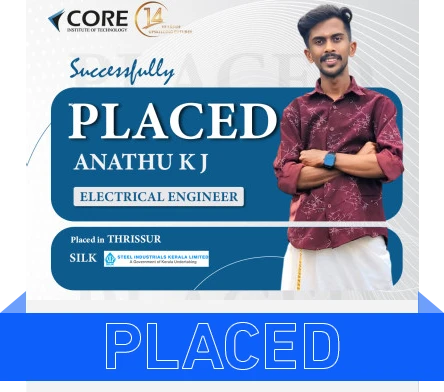
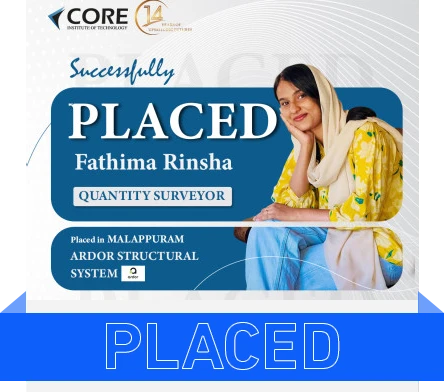
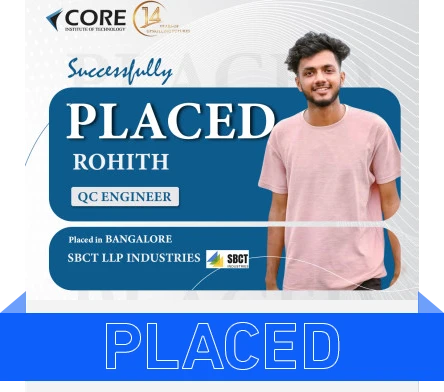
Our Students Get Placed
CORE students are working with construction, engineering and industrial companies across Kerala and India.
Awards & Recognition
Recognised by Autodesk and CTDS for training quality and student outcomes.


Earn Recognised Enscape Certificates
Validate your Enscape skills with credentials valued by employers in India, the Gulf and beyond.

CTDS Certificate
A recognised certification for technical skill development awarded on successful completion.

CORE Course Certificate
Your CORE Institute of Technology certificate of completion for the Enscape course.
Pair Enscape With Modelling & Rendering Software
Enscape renders the models you build in Revit and SketchUp, and pairs well with other visualization tools. Learn them together to become a complete design and visualization professional.


Our Certifications & Affiliations
Core Institute of Technology is an authorised certified training centre.

Explore Related Programs
Build on your Enscape skills with our specialised diploma and certification programs in design and the Architecture, Engineering and Construction (AEC) industry.


